Why Did My Black Friday Order Confirmation Never Arrive?
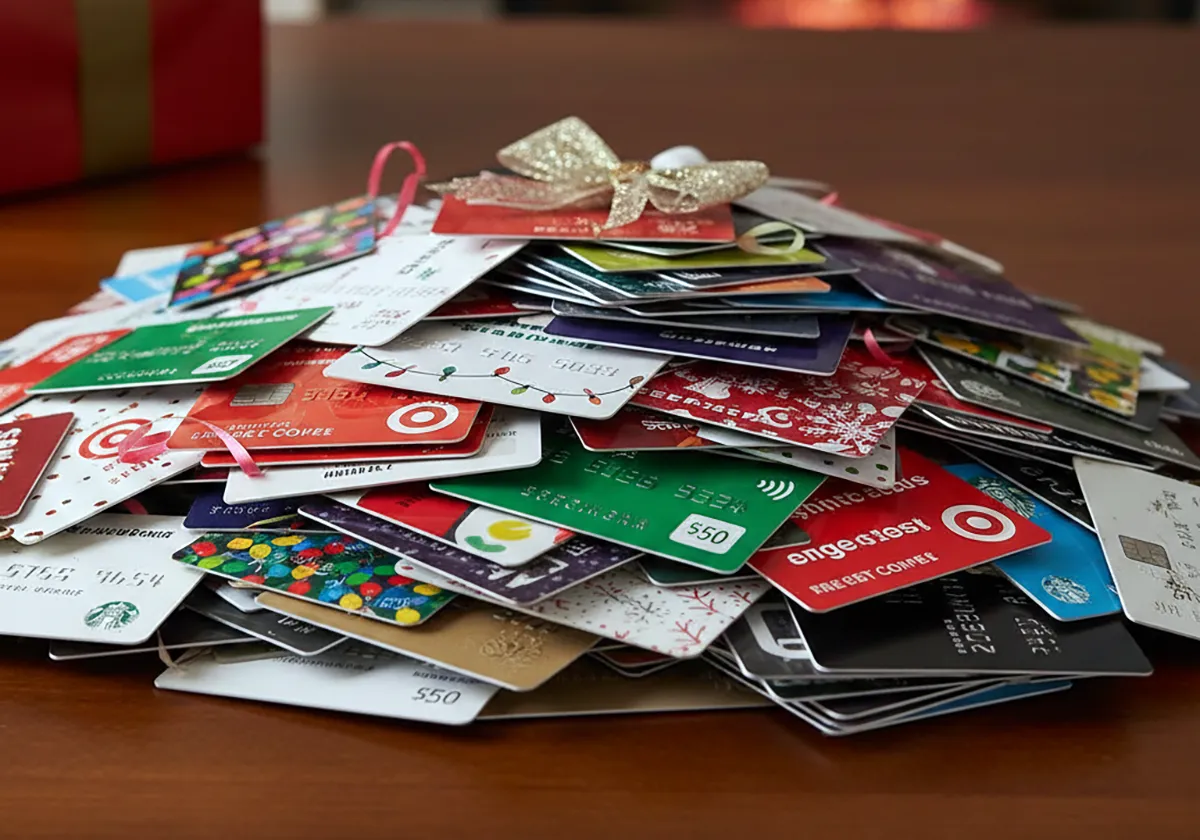
Check inbox filters, order history, and payment holds to trace a missing Black Friday confirmation fast.
Your Black Friday confirmation never arrived because holiday volume delayed processing, the order was cancelled during packing, or the email was filtered or misaddressed. An order confirmation is the receipt a store sends after it accepts your order and payment details. That distinction matters for savings shoppers.
A delay means wait. A cancellation or email error means check records before you reorder.
Verification note: Program terms and availability can change. This page was checked against linked sources on November 05, 2026.
Could high volume still be processing your order?
Holiday order queues can stall confirmations for hours or longer. Sealskinz warns that very high Black Friday volume slows both processing and shipping, with tracking updates also running late, as explained in the Sealskinz holiday delay notice. The charge may show as pending while the store works through the queue.
Tracking often appears later than usual for affected shoppers. Give the queue time before you assume the order failed.
Was your order cancelled after checkout?
Some stores cancel after checkout when stock runs out at packing time. Sports Direct says orders can be cancelled when items are found out of stock at packing time, with an "Order cancelled" email sent and pending payment released within 2–5 working days, according to the Sports Direct cancellation guide. Sports Direct also says a billing address that does not match payment-provider records can cause cancellation.
In that case no valid confirmation follows even though checkout was submitted. Look for a cancellation message before you buy again.
Did the email go to another folder?
Gmail can route store mail away from the inbox. Google says Gmail messages can skip the inbox because they were archived, deleted, marked as spam, or filtered, and directs users to search with "Mail & Spam & Trash" selected, as described in the Gmail missing-message guide. Google also points to "Filters and Blocked Addresses" for rules that archive or delete mail.
Kobomo adds that a typo in the checkout address or filtering into spam or Promotions and Updates tabs often causes the gap. Which? notes that spam filters can misfile genuine receipts from unfamiliar senders.
What should you check before reordering?
An absent email alone does not prove payment failed. Check store and payment records first to avoid a duplicate charge. Check bank pending charges before you click buy again.
- Confirm the email spelling in your store account and checkout receipt screen.
- Search all Gmail areas, plus Spam, Trash, Promotions, and Updates.
- Open the store account order history for active, pending, or cancelled status.
- Review bank pending charges for the store amount and date.
- Contact store support with order date, amount, and email spelling if nothing appears.