What Receipts Apps Save You From Lost Paper Slips?
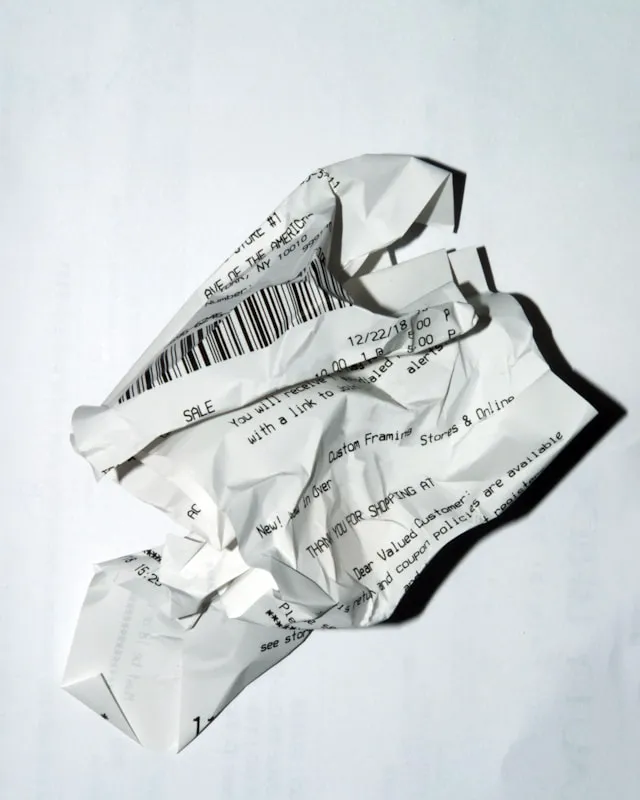
Snap receipts the same week so fading slips become searchable proof for returns, warranties and taxes.
Receipts apps save you from losing proof of payment when paper slips fade, smudge, or get thrown away. They give you a legible digital copy you can search later for returns, warranties, and tax files. A receipts app is a phone tool that photographs a slip, reads the details, and stores the image.
That backup matters because paper fades quickly while tax and warranty needs last much longer.
Verification note: Program terms and availability can change. This page was checked against linked sources on November 05, 2026.
Why do paper slips disappear?
Most store receipts are printed on thermal paper with a heat-reactive coating. Light, heat, and friction break down that coating, so print turns pale or vanishes. Shoeboxed advises capturing a digital copy the same week because the digital copy is what survives, as explained in the Shoeboxed guide to receipt storage.
A receipt left in a hot car, sunny counter, or tight wallet faces all three triggers at once. Ink from a nearby pen and rubbing in a pocket can speed the damage. Once the total and date are unreadable, the slip cannot prove what you paid.
What records do you need to keep?
The IRS requires businesses to keep supporting documents such as sales slips, paid bills, invoices, receipts, deposit slips, and canceled checks to prove gross receipts, purchases, and travel or gift expenses, according to the IRS guidance on records to keep. Shoeboxed notes most tax records must be kept at least three years from filing, with some bad-debt, underreported-income, and employment-tax cases reaching six or seven years. That retention span is far longer than many paper slips stay readable.
A digital folder lets you sort by store, date, or amount instead of digging through envelopes. It also protects you if a return desk or tax preparer asks for a copy months later.
When does a digital copy count?
The IRS accepts legible electronic copies under Revenue Procedure 97-22, which requires a system that can reproduce readable hard copies and preserve complete, retrievable records, as described in the Neat summary of IRS electronic requirements. Shoeboxed quotes IRS Publication 583 with the same test: index, store, preserve, retrieve, and reproduce records legibly. Paper originals should be destroyed only after the system is tested for compliant reproduction.
Keep images sharp, uncropped, and backed up. If a photo is blurry or cut off, reshoot it before you toss the slip.
How does scanning cut manual work?
Scanning replaces typing with a photo and automatic reading of key fields. Expensify's SmartScan lets users photograph a paper receipt or forward a digital receipt to [email protected], then pulls merchant, date, amount, and currency into an expense, per the Expensify receipt scanning overview. A simple routine helps: That habit takes less than a minute and leaves you with searchable proof when paper fails.
- photograph the slip flat in good light the day you get it
- check that store, date, and total are readable
- file it by purpose, such as return, warranty, or tax
- back up the library before you discard paper