USPS Informed Delivery: How It Helps During the Holidays
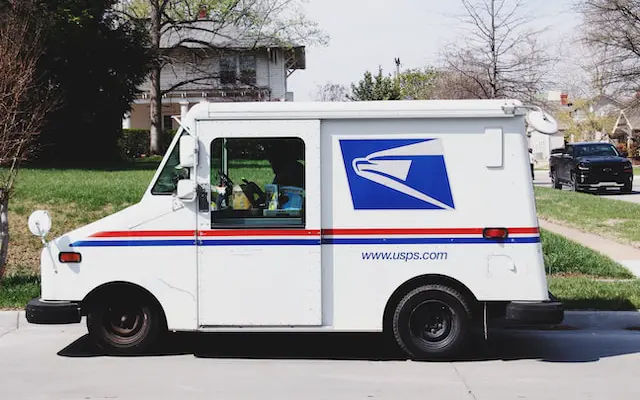
See holiday mail images and USPS package updates in one free dashboard before anything reaches your door.
USPS Informed Delivery helps during the holidays by showing images of incoming letter mail and grouping USPS package tracking in one place. It is a free, optional service for previewing letter-sized mail and managing soon-to-arrive packages, according to the USPS FAQ in the basics guide. During the holiday rush, that preview helps you spot cards and notices before you reach the mailbox.
You can plan pickup times, bring perishable gifts inside sooner, and keep outgoing returns on schedule.
Verification note: Program terms and availability can change. This page was checked against linked sources on November 03, 2026.
What Will You See Each Morning?
USPS says on its Informed Delivery page that enrolled users get a morning Daily Digest email with images of up to 10 mailpieces. Unlimited images appear on the online dashboard. The same dashboard shows tracking and expected delivery status for inbound and outbound USPS packages.
A holiday card image can appear beside a gift shipment update. You might see the card first and the package movement below it. That shared view helps you plan one trip for both.
How Does It Help With Gifts and Returns?
Check gift orders and returns in the same view as daily mail. Use the tracking status to time mailbox trips and ask a neighbor to collect items when you are away. Watch outbound returns while you wait for inbound gifts.
For example, you can follow a return on its way out while a gift moves toward you. That shared view reduces extra logins during a busy week. It also helps you notice when a delivery needs quick pickup.
How Do You Start and Check Eligibility?
Signup is free and requires a USPS.com account plus identity verification. Only eligible addresses can enroll, though most residential and PO Box addresses and many business addresses in eligible ZIP Codes qualify. The USPS business mailer overview describes this free signup and eligibility check in its business mailer overview.
Enter your address at informeddelivery.usps.com to learn if you qualify:
- Create or sign in to your USPS.com account.
- Complete identity verification.
- Enter your residential, business, or PO Box address.
What Limits Should You Expect?
Previews show only grayscale exterior images of automated letter-sized mail. Packages show tracking information rather than photos. The USPS FAQ explains these limits and notes when digests pause in the basics guide.
No digest is sent when there is no mail, on Sundays, or on federal holidays. Expect some holiday parcels and oversized pieces to lack images. If an expected card has no image, check the dashboard later and watch tracking for packages instead.