Thanksgiving Giveaways on Local Facebook Groups: How to Vet Them
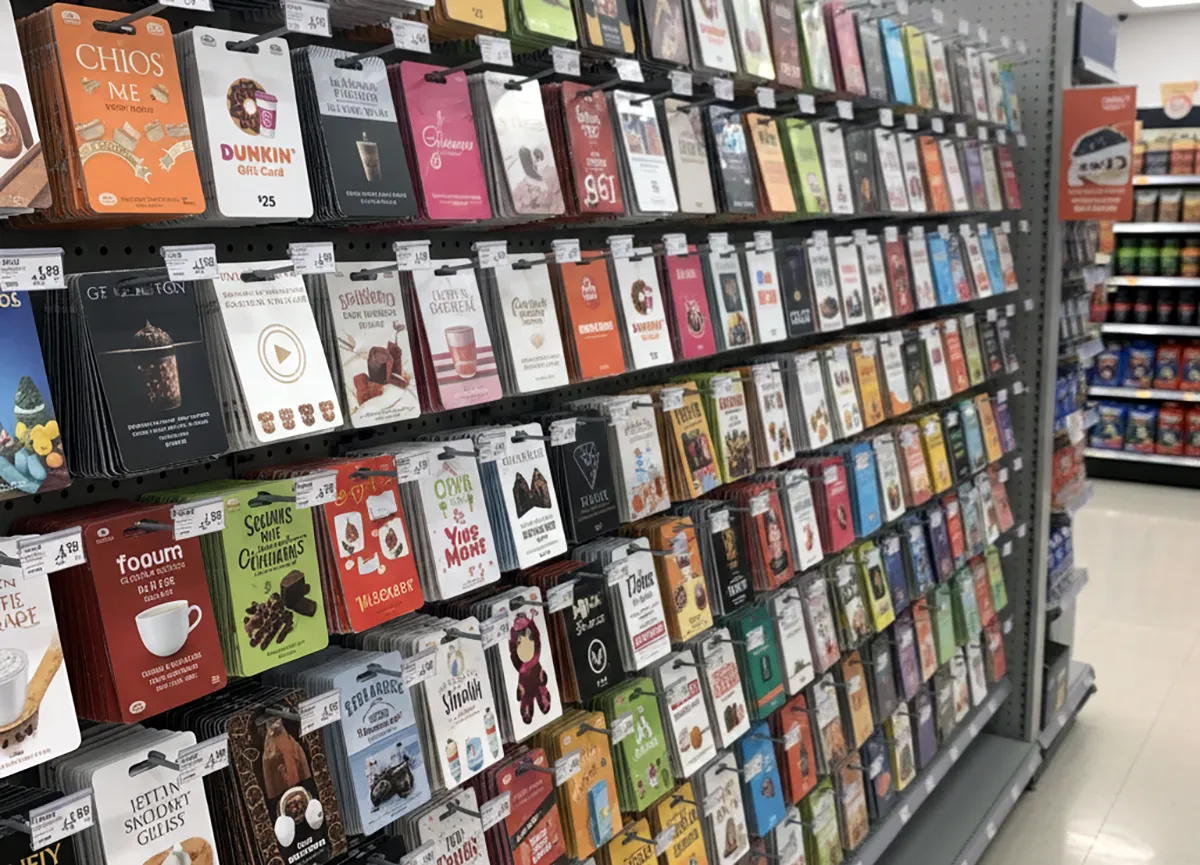
Check cost, identity, and pickup terms before you comment on a neighborhood turkey or gift-card post.
Vet a local Thanksgiving giveaway in a Facebook group by confirming entry and pickup cost nothing and the same details appear on the organizer's own website or profile. If the post requires payment to enter, improve odds, or claim a turkey or gift card, treat it as a failed legitimacy test and do not engage. A vet here means a quick check of cost, identity, and pickup terms before you comment, message, or share personal details.
The steps below focus on neighborhood posts offering turkeys, meal boxes, or store gift cards.
Verification note: Program terms and availability can change. This page was checked against linked sources on November 06, 2026.
What does a clear neighborhood post show?
A clear post names who is giving the item, how many items exist, who can claim one, and where and when pickup happens. It states age or residency limits, one-per-household limits, and whether winners are drawn by chance or items go to the first eligible people in line. Vague posts create risk because you cannot confirm supply, timing, or eligibility.
Ask for written rules in the comments and save the reply. If the poster will not add pickup address, date, quantity, and eligibility, skip it.
Which payment requests mean stop?
Stop when anyone asks for money to enter, hold a turkey, increase odds, or release a prize. The D.C. Office of the Attorney General explains in its sweepstakes and lottery consumer alert that legitimate sweepstakes are free games of chance.
The Federal Trade Commission states in its guidance on fake prize, sweepstakes and lottery scams that a demand to pay taxes, shipping, processing, insurance, or customs before you receive a prize marks a prize scam. Federal consumer guidance also treats any up-front payment for a promised prize as a warning sign.
- fee to enter or reserve
- fee to improve odds or skip the line
- tax, shipping, delivery, insurance, or processing fee to claim
- gift card, wire, cash app, or bank transfer to release items
How do you check who posted it?
Open the profile and look for local history, prior giveaways, photos from the same neighborhood, and comments from people you recognize. New profiles, locked profiles, mismatched names, and recently changed group names warrant extra care. The Federal Trade Commission notes in an alert for military consumers about social media impersonation that impostors copy real winners and brands, hijack real giveaways, then shift targets to text or direct message to seek gift cards or bank details for false delivery fees.
Stay in the public post when possible and do not move to private chat to pay a fee or share banking details. Compare the Facebook post with the organizer's own website or profile. Look for the same item, quantity, dates, and contact method.
For a church, school, pantry, or business, call a public phone number or visit the listed address rather than trusting only Messenger.
How do you report and protect yourself?
Use Facebook's Report option on the post or profile and keep copies of screenshots, links, and messages. Then file a fraud report through the FTC fraud-reporting portal, which feeds the FTC's Consumer Sentinel law-enforcement database. Do not send money, gift-card codes, or identity documents to claim food or cards.
If you already paid or shared bank or identity details, contact your bank immediately and watch statements for unknown charges.