Prime Video Channels Free Trials: Stack Them the Smart Way
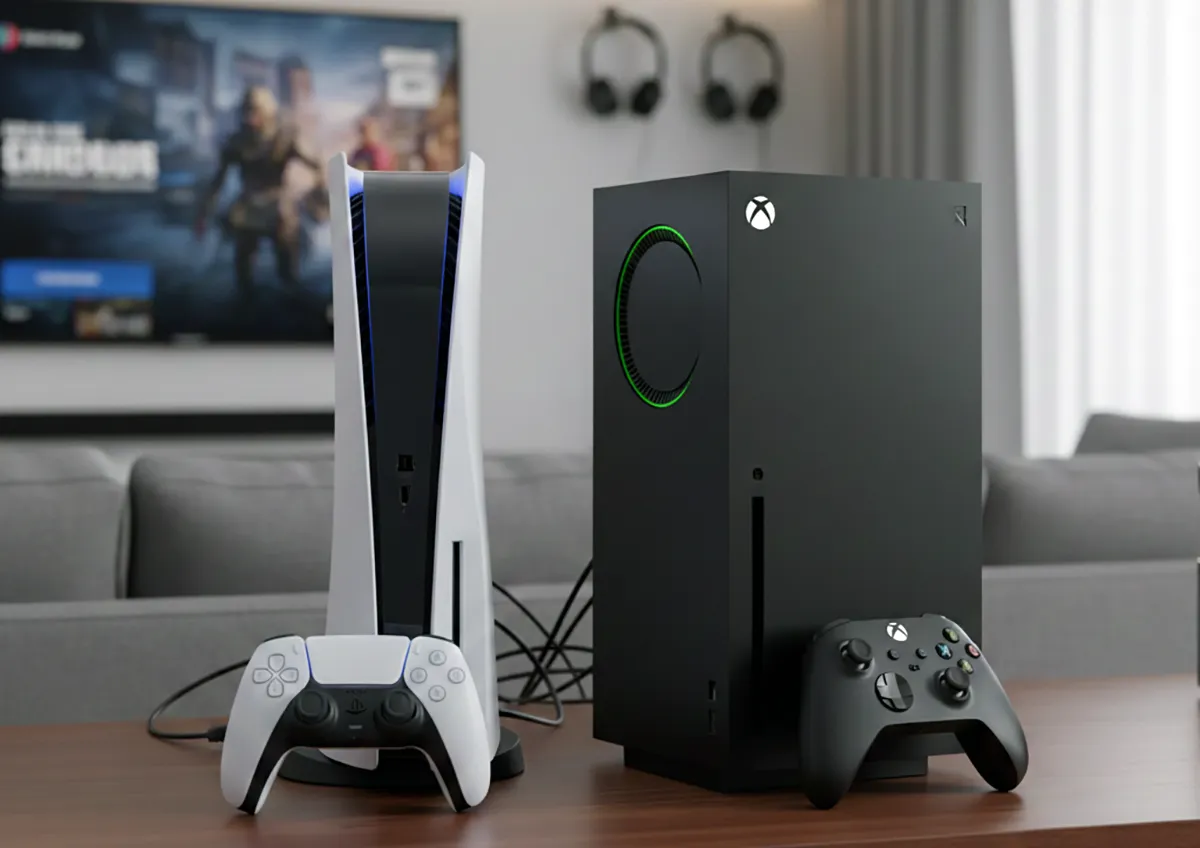
Prime Video Channels trials can run back-to-back if you start them strategically, turning weeks of paid subscriptions into free access.
Prime Video Channels lets you stack free trials from different premium services, effectively creating a free viewing window that spans weeks if you coordinate timing thoughtfully. Each channel available through Amazon's platform typically comes with its own trial period, and since they're independent services accessed through your Prime Video account, you can layer multiple trials on top of each other rather than paying for them simultaneously. The trick isn't just adding channels—it's knowing which trials to start when, so you finish one trial period just as another begins, creating an uninterrupted stretch of free access.
This strategy works because Amazon treats each channel as a separate subscription within the Prime Video ecosystem. If you add Showtime, MGM+, Paramount+, and Starz each in the same week, you'll pay for all of them once the trials end in the same week—a setup that defeats the purpose. But staggering their start dates by a week or two means you're cycling through free access rather than juggling paid subscriptions.
How Prime Video Channel Free Trials Actually Work
Prime Video Channels function as add-on subscriptions you layer on top of your Amazon Prime membership. Each channel you add through Prime Video has its own trial offer and its own billing date. Unlike bundled services where you subscribe to one package, these are individual charges on your Amazon account, and each one starts and stops independently based on when you activate it.
The free trial lengths vary by channel and by current promotions Amazon is running. Some channels offer seven-day trials, others offer thirty days, and occasionally Amazon runs promotional periods where certain channels extend trial lengths. The key variable is that trial expiration dates are tied to your activation date, not to a calendar date everyone shares.
If you start Starz on July 1st and Showtime on July 8th, their trial end dates will be a week apart, not the same day. This independence is what makes stacking possible. You're not limited by any single trial calendar—you control when each one activates.
That said, Amazon doesn't offer a single "trial stacking" tool that tells you when each trial ends; you have to track it yourself or set phone reminders when you're approaching the end of each free period.
Why Channel Stacking Requires Careful Attention to Terms
Many people assume that starting channel trials staggered means they never have to pay, but that assumption misses a critical reality: trials end, and they end automatically. If you activate Paramount+ on your Prime Video account and forget to cancel it three days before the trial expires, you'll be charged the full monthly rate. Amazon doesn't send repeated reminders or warnings—you get one notification that the trial is ending, and then the charge hits.
The cancellation process for Prime Video Channels is different from canceling Prime itself. You have to go into your Prime Video settings, find the specific channel, and manually cancel it before the trial period ends. There's no automatic renewal hold and no "pause subscription" option for trials—they either run for the trial period and then convert to a paid subscription, or you cancel them before that conversion happens.
Additionally, trial availability fluctuates. Not every channel offers a trial to every Prime Video subscriber at all times. Amazon's billing department makes these promotional decisions, and sometimes the trial offer disappears for days or weeks depending on current promotions or your account history.
If you're counting on a trial to start at a specific time and it's no longer available, your stacking timeline falls apart.
Strategic Timing: Building Your Free Viewing Window
The core strategy is simple on paper: start your first trial, note when it ends, then start your second trial five to seven days before that end date. This creates an overlap period where two channels are active simultaneously, and crucially, the first channel's end is covered by the second channel's beginning. As the second trial approaches its end, you start the third, and so on.
For example, activating Showtime with a typical 30-day trial on the first of a month means it expires around day 30 or 31. If you start Starz on day 25, you'll have a five-day overlap where both are free, and then Showtime expires while Starz continues for another 21 days. Start Paramount+ on day 45 of that sequence, and the pattern continues.
The mathematics here is straightforward, but execution requires attention to dates. This approach works best if you're actually planning to use the channels during their trial periods. If you activate a channel just to keep a gap-free free viewing window but don't intend to watch anything on it, you're essentially wasting the trial on channels that don't have content you want.
The financial benefit only materializes if the content each channel offers justifies the overlap or if you genuinely want simultaneous access to multiple libraries during a specific week.
Managing the Logistics of Multiple Active Trials
Once you have more than two channels stacked, tracking them becomes an administrative task. Amazon doesn't provide a unified trial-end dashboard that shows all your channel expiration dates in one place. You'll likely resort to creating a spreadsheet, setting calendar alerts, or using a notes app to track when each channel's free period ends and when you need to act.
The practical workflow looks like this: Set a reminder for seven days before each channel's trial ends. On that reminder date, decide whether to keep the channel paid, cancel it, or activate a replacement channel to maintain your stacked free-trial window. This decision point matters because paid channel subscriptions aren't cheap—most premium channels through Prime Video cost between $5 and $15 per month.
If you're stacking three channels simultaneously, even for a short period, you're asking yourself whether each one is worth the eventual cost if you don't cancel before the trial ends. A mistake people make is canceling a channel too early and then finding themselves in a gap with no free content access while they wait for the next trial to begin. That's why the seven-day warning threshold is important—it gives you enough time to activate your next channel without creating dead days where you've lost all the premium content you'd been relying on.
The Catch That Stops Most Stacking Attempts: Payment Method Requirements
Amazon requires a valid payment method on file to activate free trials for Prime Video Channels. If your payment method expires, fails validation, or is flagged for any reason, your trials stop processing, even if you're in the middle of a stacking sequence. Many people don't realize this until they try to add a channel during their stacking schedule and find they can't proceed.
Additionally, if you cancel a trial early and then try to immediately re-activate the same channel, Amazon sometimes blocks you from re-accessing the trial, treating you as a returning subscriber who already used your promotional period. This isn't always consistent—some channels allow you to cycle through trials again after a waiting period, and some don't. The only way to know is to attempt it, and if it fails, you've lost that channel's trial value.
There's also the issue of account eligibility. New Prime Video accounts or accounts with irregular usage might not qualify for all available trials. Amazon's algorithms determine trial eligibility, and the reasons aren't fully transparent.
You might see a trial option available for one subscriber on your household but not for another, even though they're both linked to the same Prime membership.
Which Channel Combinations Maximize Content Variety
If your goal is accessing the broadest range of content during your free period, certain channel combinations are more valuable than others. Paramount+ offers a mix of Paramount movies, CBS shows, and Nickelodeon content. Starz brings prestige dramas and films.
MGM+ focuses on film libraries and some original series. Showtime provides premium drama and sports documentaries. These overlap minimally in content, so stacking all four gives you genuinely distinct libraries rather than duplicative services.
Pairing broader services like Paramount+ with more niche channels like Showtime makes sense if you have specific viewing interests—drama series on Showtime, reality or animated content on Paramount+, and films on MGM+. During your overlapping trial periods, you have maximum choice without paying for redundant subscriptions. The worst stacking combination would be activating two channels that mostly compete for the same audience, like two film-heavy services with nearly identical catalogs.
The Reality of Content Availability and Rotating Catalogs
An often-overlooked limitation of trial stacking is that each channel's library is constantly rotating. A show you're planning to watch during the trial might leave the service two weeks into your trial, leaving you with content you didn't want to watch. This isn't unique to trial periods, but it affects the stacking strategy because you might activate channels based on promised content only to find that content is gone before your trial starts.
The practical implication is that successful stacking requires flexibility. Don't rely on your stacking sequence to give you access to one specific show or film—use it to explore general categories you enjoy across multiple platforms. If you queue up shows and films on each channel before your trial begins, you'll know immediately whether the service is worth your attention.
Some people find that after exploring during the trial, they discover a channel isn't worth paying for after the trial ends, which means your stacking strategy successfully helped you avoid an unnecessary subscription.
Frequently Asked Questions
Can I stack Prime Video Channel trials on the same Amazon account?
Yes, each channel trial is independent, so you can have multiple trials active simultaneously if you activate them at different times.
What happens if I forget to cancel before the trial ends?
The channel automatically converts to a paid subscription, and you're charged the full monthly rate. Amazon sends one notification before this happens.
How do I cancel a Prime Video Channel trial?
Go to Your Account, select Prime Video, find the channel in your subscriptions, and select Cancel Channel. This must be done before the trial period ends.
Can I re-activate the same channel's free trial after I cancel it?
It depends on the channel and Amazon's current policies. Some channels allow re-entry after a waiting period; others treat cancelled trials as used permanently.
Which channels have the longest free trials?
Trial lengths vary by promotion and channel. Most offer 7 to 30 days, but lengths change frequently, so check each channel's current offer.
Is stacking trials technically against Amazon's terms of service?
No, stacking is a permitted use of the trial system. Amazon doesn't prohibit activating multiple trials or timing them strategically.