iTunes Gift Card Deals: What Still Applies This Holiday Season
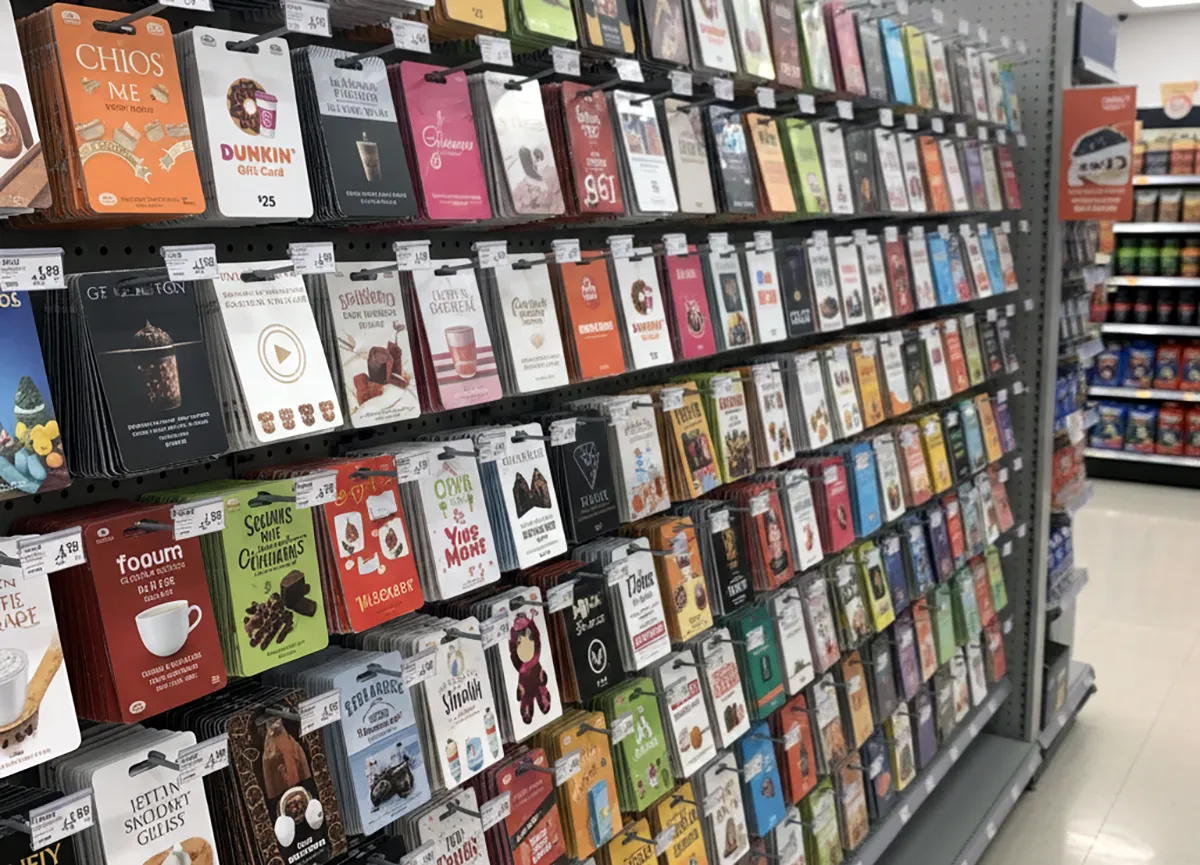
Old iTunes cards join one Apple balance for apps, media and hardware; check card type and region limits first.
An App Store and iTunes Gift Card, the older card sold for apps and media, still adds holiday spending power through the same Apple Account balance as the current Apple Gift Card. That pooled balance pays for apps, games, music, movies, hardware, accessories and iCloud+ from Apple properties. Apple describes its current Apple Gift Card as for everything Apple, including products, accessories, apps, games, music, movies, TV shows and iCloud+ and more from Apple properties Apple Gift Card page.
Holders can therefore use old and new cards toward one balance instead of tracking separate credits.
Verification note: Program terms and availability can change. This page was checked against linked sources on November 06, 2026.
What an old card covers now
Redeemed cards and added funds form one Apple Account Associated Balance for purchases across Apple. Apple Legal terms state that balance is issued and managed by Apple Value Services, LLC, and covers Apple Media Services content plus hardware from Apple Retail, apple.com and the Apple Store app U.S. Gift Cards and Codes Terms.
In practice, a $25 card found in a drawer can help pay for a movie rental, game purchases, extra iCloud+ storage or part of an accessory order. The key shift is flexibility between digital content and physical products. The same terms set clear cash limits.
Gift cards are non-redeemable for cash except as required by law, non-returnable for cash refund, non-exchangeable and unusable to buy additional gift cards.
How to add the balance
Apple Support explains that holders of older App Store and iTunes Gift Cards can add them by entering the 16-digit code in the App Store under the account photo and Redeem Code, using camera or manual entry redeem instructions. Keep the physical card until the full amount shows correctly. If the code will not scan, type each character carefully and check for confused letters and numbers.
- Open the App Store and tap the account photo.
- Choose Redeem Code, then scan the card or type the code.
- Confirm the amount posts to the Apple Account balance.
Where cards do not work
Card type matters for redemption. Apple Support notes that gray, white, silver or gold Apple Store Gift Cards cannot be redeemed in the App Store or iTunes Store redemption limits. Region also matters.
Apple Support notes that Apple Gift Cards cannot be redeemed outside the country or region of purchase. A card bought in the United States will not add value to an account set to another country. These limits affect holiday gifting across borders and mixed card collections.
Match the card type to the intended store and buy in the recipient's country or region.
What to check before gifting
Inspect discount piles and resale offers with care during the holidays. If a code is scratched, damaged or shows as not valid, already redeemed or not activated, return to the retailer for activation problems. For other card issues, Apple asks buyers to contact Apple Support with front and back card images, sales receipt and serial number.
Keep receipts and packaging until the recipient confirms successful redemption. Give the recipient the exact amount, retailer and activation receipt when possible. That detail speeds help if the code needs retailer correction or support review.