How to Use Restaurant Apps for Christmas Dinner Savings
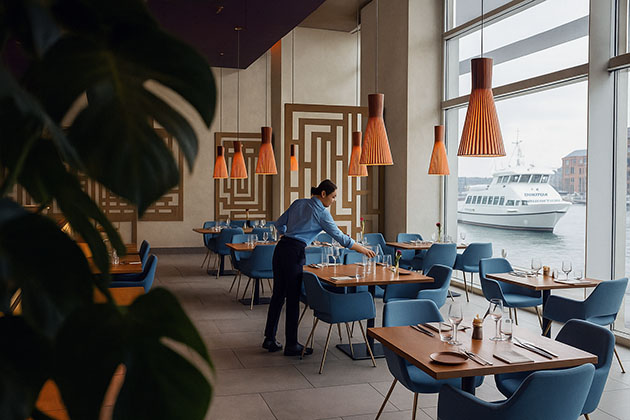
Save on Christmas dinner by redeeming sandwich, chicken and coffee points and scheduling large group orders early.
Use restaurant apps to turn points you already earn into lower-cost Christmas dinner food, drinks, and group orders. Check your balance, redemption steps, and item limits before you plan the menu. Redemption means using earned points in the app instead of paying full price.
Balances, eligible items, and pickup rules differ by app, so the steps below focus on what to tap and what to skip.
Verification note: Program terms and availability can change. This page was checked against linked sources on November 03, 2026.
Turn sandwich points into Christmas food
Subway's newsroom says MVP Rewards members earn points on qualifying purchases and convert them to Subway Cash for future menu savings. The same update notes exclusive offers and birthday rewards that can help with a Christmas gathering, as described in Subway anniversary update. Open the app now and note your points and Subway Cash balance.
Use small balances for sides, drinks, or a family platter add-on rather than waiting until Christmas Eve.
Redeem chicken rewards without guesswork
Chick-fil-A says One members earn points on qualifying restaurant purchases. Members redeem in the app under Rewards by selecting an item and choosing Redeem points for this reward, as explained on Chick-fil-A benefits page. Match rewards to foods your group will eat cold or reheated.
If an item does not fit dinner, save points for drinks or later meals.
What will Stars not cover?
Starbucks Terms of Use says members accumulate Stars redeemable for free food and drinks. The same terms exclude alcohol, multi-serve trays, Starbucks Cards, delivery orders, and e-commerce items, as listed in Starbucks Rewards terms. Do not plan Stars for trays meant to serve the whole table.
Use Stars for single-serve drinks or food, and pay another way for restricted items.
How to order for 10 or more?
Uber Help treats orders for 10 or more people as large group orders. It recommends scheduling at least 24 hours ahead, keeping groups to 100 or fewer, and routing them through Boxed Catering, as described in Uber large-group FAQ. Boxed Catering is the app path for these larger orders.
Assign one person to submit the cart and track the delivery window. Keep the menu simple so the order stays accurate.
- Choose pickup or delivery times away from peak dinner rush.
- Split drinks and mains into separate notes if the app allows.
- Save the order confirmation for Christmas Day questions.