How to Trade In an Unwanted Christmas Electronics Gift
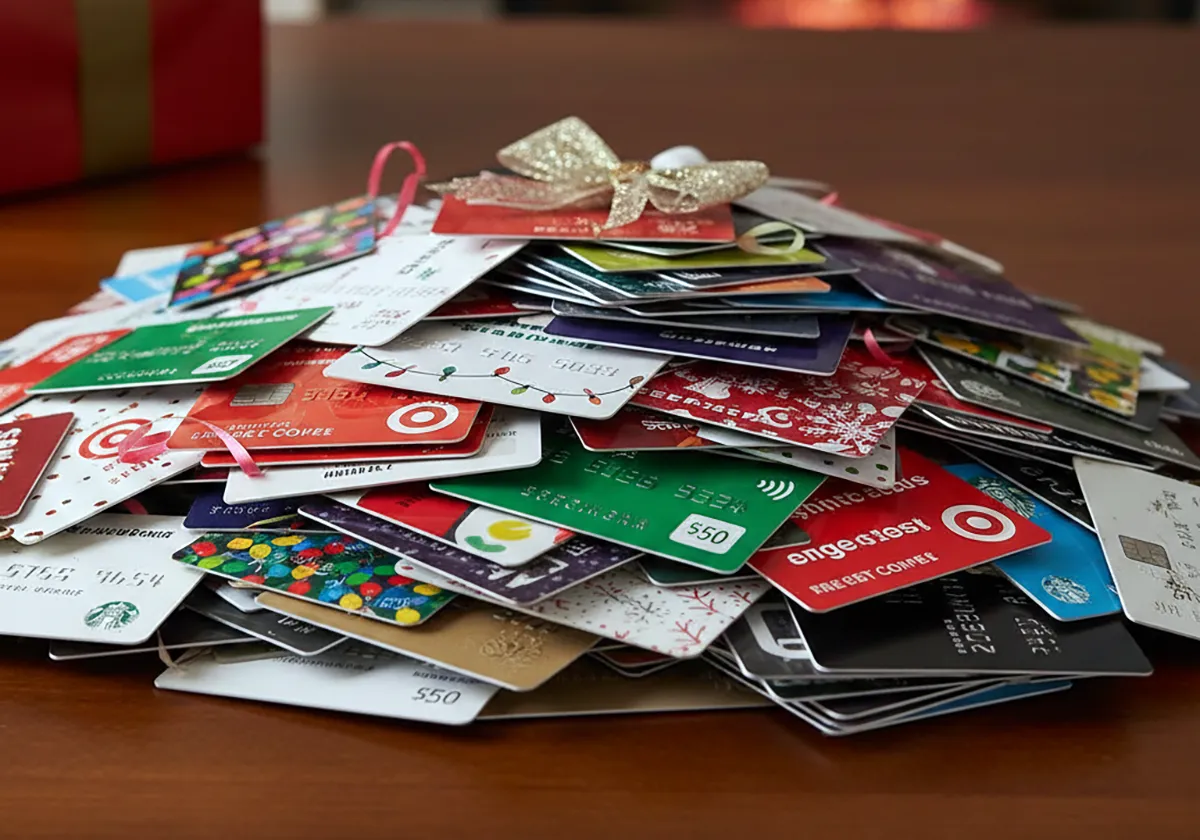
Turn an unwanted gadget into store credit with returns, trade-ins, and free recycling paths.
To trade in an unwanted Christmas electronics gift, try a return or exchange first, then use a maker or store trade-in for credit. A trade-in means you hand over the device and receive store credit or a gift card toward something else. Many gifts cannot be returned without a receipt or after the return window.
In that case, cleaning the device and choosing the right trade-in path can still recover value and keep electronics out of the trash.
Verification note: Program terms and availability can change. This page was checked against linked sources on November 28, 2026.
Try a return or exchange first
Start with the store or maker, because return windows are wider right after Christmas. Apple says eligible online-store products received Nov. 6-Dec.
25, 2026 can be returned until Jan. 8, 2027, according to Apple holiday delivery page. Look for a gift receipt in the box or email.
Bring unused accessories, cables, and packaging. Ask whether an exchange avoids return shipping or a fee. If you lack a receipt, ask the giver where it was bought.
Many stores can look up purchases with an order number or card. Act early so you stay inside the holiday window.
How does Apple Trade In work?
Apple says Apple Trade In lets owners apply an eligible Apple or third-party device's value toward a new purchase or take it as an Apple Gift Card, online or in store, as described on Apple Trade In page. Check the device model, storage, and physical condition before you start. Cracked screens, weak batteries, and missing chargers lower value.
Wipe smudges and gather the charger to help inspection. Use the trade value only for something you need. A gift card can wait until prices drop after the holidays.
An impulse swap can cost more than the credit is worth.
How does instant credit work?
Samsung explains that it applies trade-in credit instantly at checkout, then inspects the mailed-in device and charges back part or all of the credit if it is missing, mismatched, or fails inspection, as described in Samsung trade-in requirements. That order matters for Christmas gifts. Do not spend the full credit in your head until inspection passes.
Keep the old device, tracking number, and email confirmation until the credit is final. Prep the old phone or tablet before you mail it:
- Back up photos, messages, and files
- Sign out of cloud and app accounts
- Remove screen locks and passwords
- Factory-reset and remove memory cards
When should you recycle instead?
Some gifts are too old, broken, or low-value for credit. Best Buy says it accepts old tech regardless of purchase place, age, or maker for recycling at any store or by mail, with trade-in paid as a Best Buy gift card, as described in Best Buy corporate recycling guide. Separate working accessories, remotes, cables, and cases that can be reused or donated.
Bag loose batteries and chargers so terminals do not touch metal. Check maker or city drop-off rules for TVs, printers, and large batteries. Wipe personal data before recycling or mailing anything.
Sign out, reset, and remove storage cards. Keep a photo of serial numbers for your records.