How to Track Multiple Holiday Packages in One Place
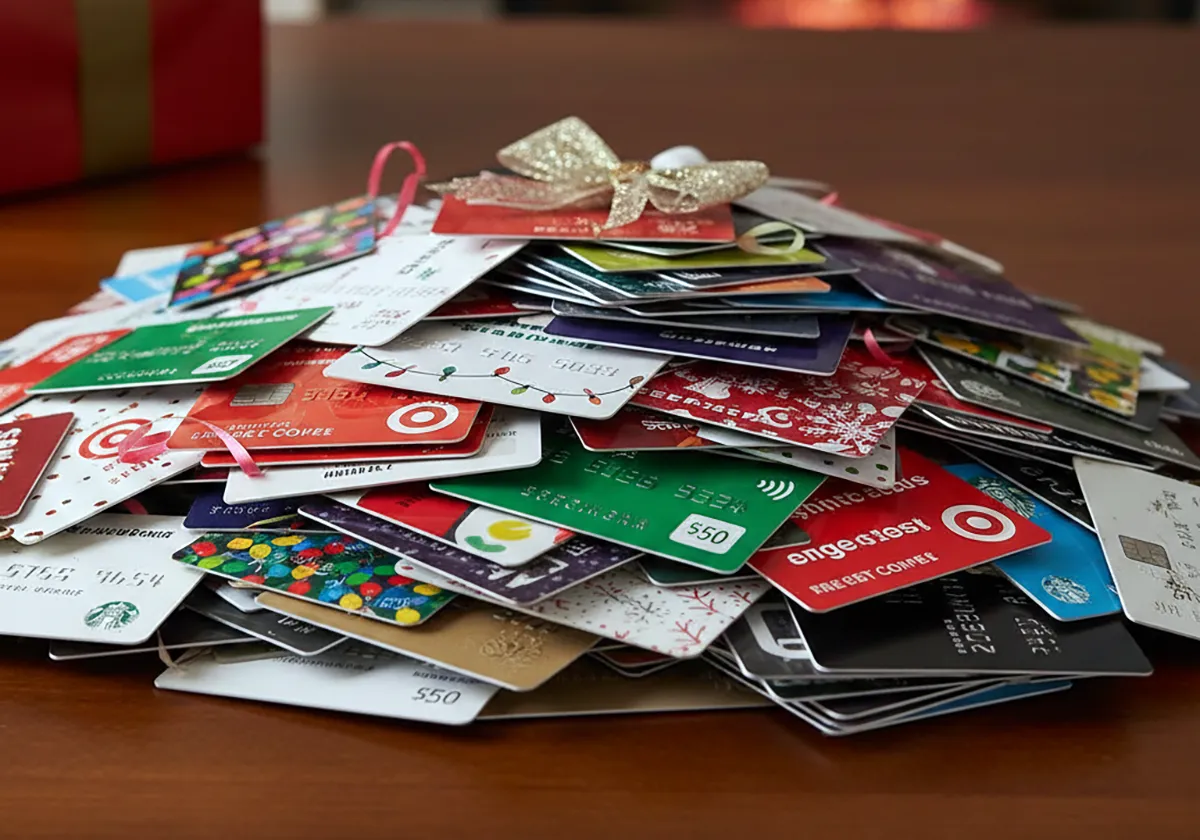
Pull every store order into one tracking list, then set alerts, holds and redirects before parcels arrive.
To track multiple holiday packages in one place, use one aggregator for status across retailers and keep carrier accounts for delivery actions. For Gmail shoppers, that often means a single Purchases or Orders list for arrival dates plus FedEx and USPS tools for holds and alerts. A tracking number is the code a carrier assigns to follow a parcel from label to doorstep.
Holiday orders scatter across inboxes and carriers, so pulling those codes into one timeline saves repeated searches.
Verification note: Program terms and availability can change. This page was checked against linked sources on November 05, 2026.
Start with Gmail when receipts live in email
Google Gmail Help says the Purchases view gathers order, shipping, and delivery confirmations in one place with an Arriving soon timeline for personal Gmail accounts. It works from emailed receipts, so you do not enter each number by hand. See the Gmail Purchases help page for how that view is organized.
Google Gmail Help also says Gmail can read a tracking number in an order email and show estimated arrival and delivery status in the inbox. You must turn on smart features for that lookup to work. Coverage is limited to participating US carriers, so some stores will not show automatic updates.
When does one Orders tab help?
Shop Help Center by Shopify says the Shop app tracks orders with a valid tracking number in one Orders tab. Shop Pay and Shopify-store orders add automatically. You can also connect Gmail or Outlook so the app can scan for other retailers' tracking emails.
Details are in the Shop order-tracking help. Google Wallet Help says Google Wallet can pull online orders from Gmail for supported merchants in the US. Its Track Package button redirects to the carrier site for live detail.
Multiple shipments in one order may appear split. That setup helps at holidays because gifts come from many checkouts:
- Shop Pay and Shopify-store orders appear without extra entry
- other retailers appear after you connect Gmail or Outlook for email scanning
- each entry still needs a valid tracking number to show movement
Why keep carrier accounts for delivery changes?
FedEx says its free Delivery Manager account lets residential customers track incoming FedEx packages, receive alerts, redirect parcels, and request holds. Use it when you need to change delivery, not just view status. See the FedEx Delivery Manager page for those controls.
The U.S. Postal Service says Informed Delivery is a free service that lets customers preview incoming letter mail and manage package deliveries. It works through email, a website dashboard, and a mobile app.
See the USPS Informed Delivery announcement for how access is offered. FedEx also says you can track many FedEx parcels at once by emailing tracking numbers to [email protected]. You can include up to 30 numbers per email, comma-separated or one per line.
What still needs an extra check?
Google Gmail Help notes that no single carrier dashboard covers rival carriers. Gmail package tracking also works only for participating US carriers. That means holiday shoppers often need one aggregator for dates plus carrier accounts for holds and redirects.
Wallet orders can split when one purchase ships in parts. Its Track Package action moves you to the carrier site for the latest scan. Keep the retailer email until delivery in case numbers differ across parts.
Use a simple holiday routine: For a large FedEx batch, email up to 30 tracking numbers to [email protected], one per line or comma-separated.
- check the aggregator each morning for arrival dates
- open the carrier account when you need an alert, hold, or redirect
- keep tracking emails until each gift arrives