How to Track Holiday Spending With a Simple Spreadsheet
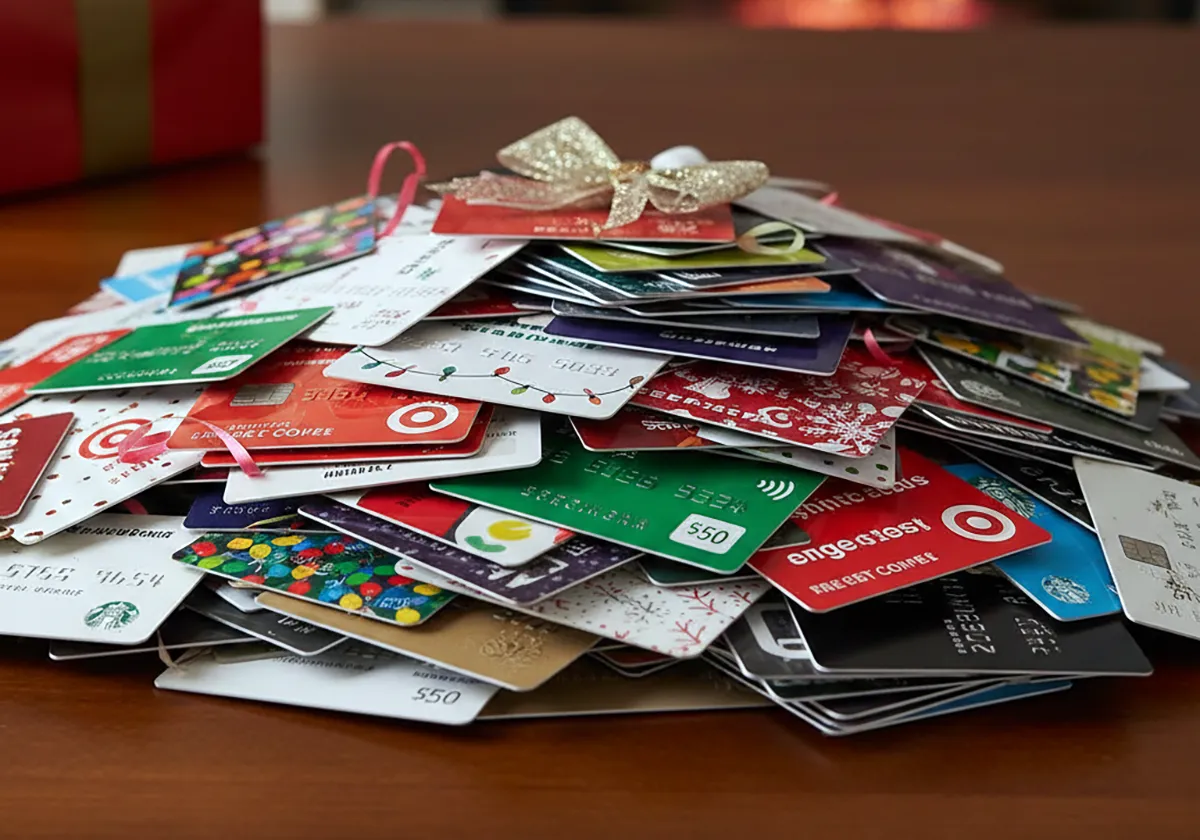
Set gift limits, log every purchase with fees, and review weekly to stay within your holiday budget.
Track holiday spending with a simple spreadsheet by listing each person or category in its own row with Planned, Actual, and Remaining columns. Update the Actual column after each purchase and review totals weekly against your limit. A holiday spending spreadsheet is a one-page table that shows limits and purchases in one place.
Shoppers faced real pressure in 2025. U.S. consumers celebrating winter holidays planned to spend $890.49 per person on average, according to the National Retail Federation in its holiday survey results.
Verification note: Program terms and availability can change. This page was checked against linked sources on November 05, 2026.
Set your limit before you list gifts
Start with funds you have, not funds you hope to find. Subtract rent, bills, groceries, and savings from take-home pay. The rest is your holiday ceiling.
The Federal Deposit Insurance Corp. advises listing each recipient with a planned gift and dollar limit, then comparing prices across stores and online retailers in its Banking on the Holidays guide. Use that limit as your Planned amount.
Add rows for food, decor, cards, and travel.
- Person or category
- Planned limit
- Actual spent plus shipping and fees
- Remaining balance
- Store, date, and receipt note
What columns keep the math honest?
Keep columns simple so you will use them. Planned, Actual, and Remaining show control at a glance. A separate shipping and fees column keeps totals true.
The Consumer Financial Protection Bureau advises writing down what you need to buy and separately logging what you actually spent, then checking whether you remain on budget in its five-step holiday spending plan. Enter Actual right after checkout. Let Remaining equal Planned minus Actual.
How do you capture hidden costs?
Incidentals break budgets fast. The Federal Trade Commission advises making both a shopping list and a budget that includes cards, wrapping paper, parking, and eating out, plus credit-card payoff time, as shared in tips for happy holiday shopping. Give each incidental its own row.
Log parking and meals the same day. Include sales tax, shipping, gift wrap, and greeting cards. Add delivery fees to the same gift row for online orders.
Small costs add up fast across many gifts.
How do you stay on track each week?
Review totals once a week. Compare Planned versus Actual by person and category. Move unused dollars to cover shortfalls instead of raising the total.
Treat the list as a firm limit because sales can trigger impulse buys, mainly for items not on the original list. Wait 24 hours before adding an unplanned item. Update the sheet tonight after your last purchase and fix one over-limit row before you shop again.