How to Get Free Photo Editing Apps for Holiday Cards
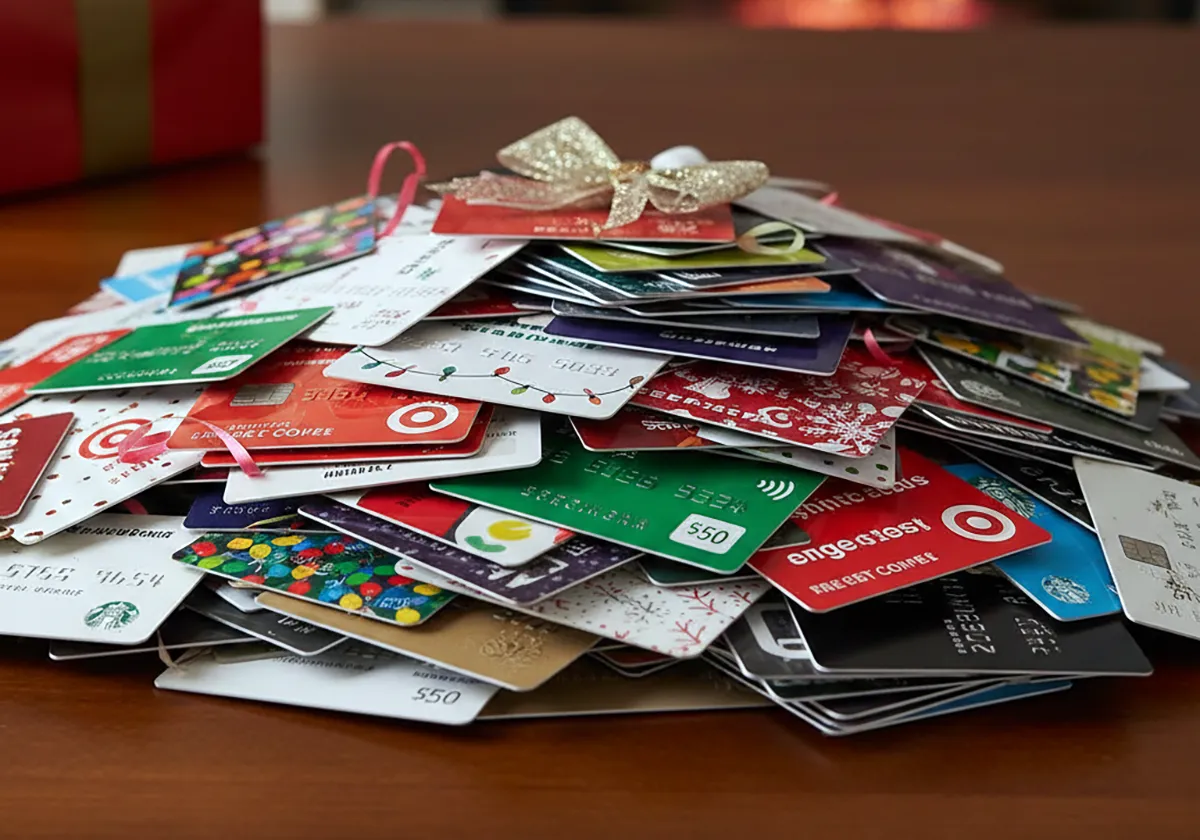
Upload family photos to free card layouts, polish portraits on your phone, and avoid paid extras at printing.
You can get free photo editing apps for holiday cards through browser card makers, phone editors, and computer tools that start at no cost. Upload a family picture to a card layout, adjust light and color, then save the file for sharing or printing. A holiday photo card is a card layout that holds your picture, message, and seasonal graphics in one design.
Free tools handle the layout and basic photo fixes, while printing and select extras often cost extra.
Verification note: Program terms and availability can change. This page was checked against linked sources on November 03, 2026.
Which card makers accept your photos?
According to Canva, its Christmas-card maker lets any user place personal photos on free layouts in portrait or landscape. You can arrange a single image or a collage. Icons, illustrations, stock photos and a built-in photo editor help finish the design, as described in Canva's Christmas card layouts.
Adobe says its free Christmas and holiday photo-card maker starts from professional templates. You upload family pictures, change color themes, edit the message, and add graphics, borders and animations, as shown in Adobe's holiday photo card maker.
How can you fix phone photos at no cost?
Google's Snapseed is a free editor for iPhone, iPad and Android. It offers more than 30 pro tools, including selective adjust, healing, curves, portrait tools, batch editing and RAW support. Apple App Store listing by Google LLC says it has no subscriptions, purchases, ads or watermarks, as shown in the Snapseed App Store listing.
Apple Support says the built-in iPhone Photos app edits captured photos and videos. You can adjust light and color, crop, rotate and add filters. Edits save across devices when iCloud Photos is enabled, so a holiday-card photo needs no download.
What computer tools give more control?
The GIMP project says GIMP is a free, open-source image editor for GNU/Linux, macOS and Windows. Users can modify and redistribute it. It offers retouching, compositing, color management and plug-in scripting for preparing high-quality card photos for digital or print use.
Photopea says its free browser editor needs no install and processes files locally on your device. It supports layers, masks, adjustments, full PSD open and save, more than 40 graphics formats, and RAW controls for exposure, contrast and color balance.
What limits apply to free plans?
Adobe says its free plan includes core photo-editing tools and effects. It also includes thousands of free templates, basic creation tools, stock assets and a limited number of generative-AI credits. Canva pricing notes that free tiers cover editing and many templates.
Premium stock images, background remover, expanded Brand Kit storage and extra AI credits generally need paid plans. Ordered prints and shipping also cost extra, so budget for printing or use free assets, as explained in Canva's pricing details.
How do you keep the card project free?
Start with a free layout, then swap in only free photos and graphics. Finish photo fixes before adding text, so the message stays readable. Check whether the layout uses a premium image before you share it.
If it does, replace that item with a free asset.
- Pick portrait or landscape before uploading
- Use one free graphic instead of a premium pack
- Save a print copy and a smaller share copy