How to Check a Website's Security Before Entering a Giveaway
Learn to spot risky giveaway sites by checking links, certificates, and prize terms before you share personal details.
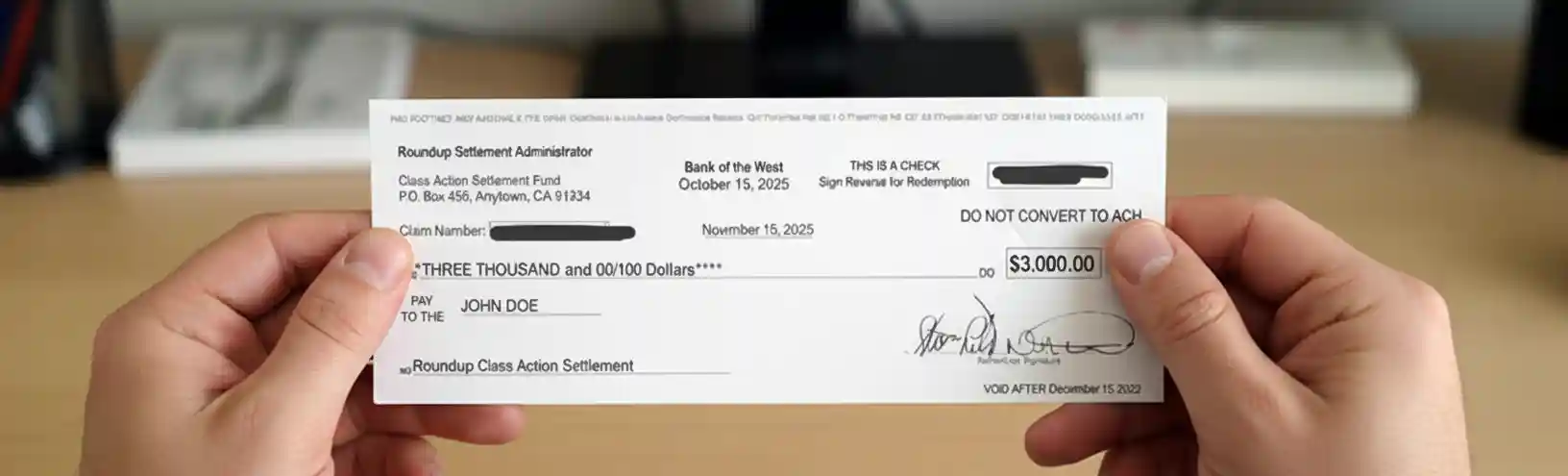
To check a website's security before entering a giveaway, inspect the address, links, certificate, and prize terms before typing personal details. A safe-looking page can still be a lookalike built to collect payments or account details. A giveaway entry page asks for a name, email, or mailing address for a chance to win.
That small exchange makes domain spoofing, unsafe links, and prize-fee requests worth checking first.
Verification note: Program terms and availability can change. This page was checked against linked sources on November 18, 2026.
Does the prize notice ask for money?
The Federal Trade Commission states that any giveaway requiring payment to receive a prize is a scam because real prizes are free, including fees labeled taxes, shipping, handling, or processing, as explained in the Federal Trade Commission's guidance on fake prize scams. Treat requests for wire transfers, gift cards, or card payments for release fees as a reason to stop. The FTC also warned on Oct.
26, 2026 that scammers impersonate well-known charities, claim you won a charity sweepstakes, then demand payment or a Social Security number. Pause when a message pairs excitement about winning with pressure to pay, share sensitive numbers, or act fast.
Does the address and link match the sponsor?
CISA advises hovering over links before clicking and treating a mismatch between displayed text and destination, misspellings, or a different domain such as .com versus .net as evidence of spoofing, described in CISA's guidance on avoiding phishing attacks. On a desktop, hover to preview the destination; on a phone, press and hold to preview it. The FTC advises verifying a prize notice through contact information found independently, not through the suspicious message.
Search for the sponsor's customer-service page yourself, then ask whether the promotion exists.
- Compare the sender, ad, and entry-page domains letter by letter.
- Watch for added words, swapped letters, hyphens, and odd endings.
- Do not use links, phone numbers, or reply addresses inside a suspicious prize notice.
What does the browser certificate show?
CISA advises clicking the browser padlock to verify the site certificate is unexpired, issued by a legitimate certificate authority, and issued to the organization that owns the website, explained in CISA's tips for accessing websites securely. If the name does not match the sponsor, the date has expired, or the browser warns about the certificate, leave the page. HTTPS and a closed padlock prove only that the connection is encrypted, not that the operator is trustworthy, CISA notes, because attackers can obtain certificates for malicious lookalike sites.
So read the certificate details, then still weigh the domain, wording, and payment request.
What do outside checks say before you enter?
Google's Safe Browsing Site Status page lets anyone enter a giveaway URL and see Google's current verdict on phishing, malware, unwanted software, or deceptive content, available through Google's Safe Browsing Site Status page. Copy the entry-page address into that checker when a deal arrives by text, ad, or forwarded post. If the verdict flags phishing or malware, or the sponsor cannot confirm the promotion through independently found contact details, do not submit the form.
The FTC says suspected giveaway fraud should be reported through its fraud reporting site, which feeds consumer fraud tracking used by investigators.