Christmas Giveaway Hashtags: How to Search for Real Entries
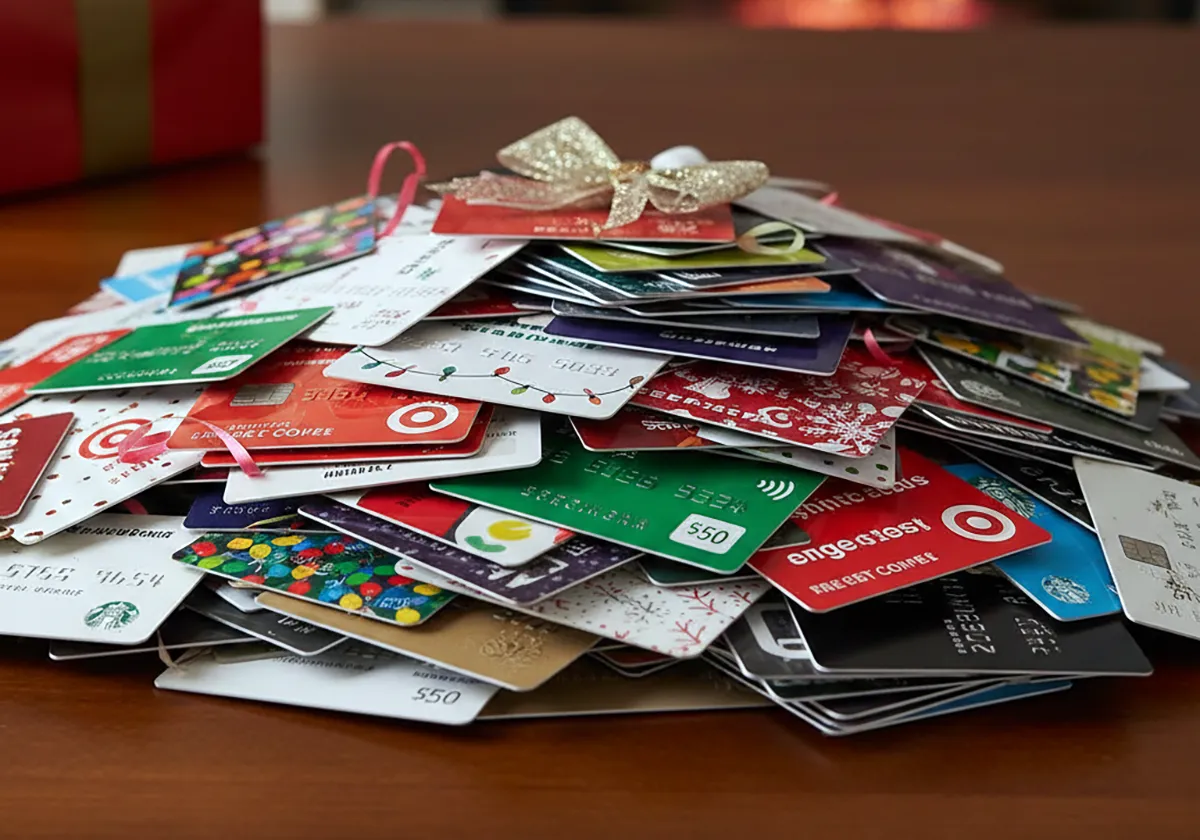
Check the sponsor profile, rules, and prize terms before trusting a Christmas tag search result.
Search Christmas giveaway hashtags by checking the sponsor profile for written rules, eligibility, and entry steps, not the hashtag alone. A real entry traces to the brand account running the promotion and explains how winners are picked. A hashtag is a search tool, not proof.
Entrants add tags to enter, copy them from friends, or add them to unrelated posts for views. Look past the tag to the caption, profile, and linked rules before you share personal details.
Verification note: Program terms and availability can change. This page was checked against linked sources on November 06, 2026.
Why hashtags alone do not prove an entry is real
A tag search mixes sponsor posts, entrant posts, reposts, and unrelated holiday posts. The same tag, such as #ChristmasGiveaway, can appear on all four in one results page. You need a second check on every promising post.
Disclosure placement is part of that check. According to FTC business guidance on clear disclosures, a hashtag buried among many tags, links, or hard-to-read disclosures is routinely skipped by readers and fails clear-and-conspicuous disclosure. Treat a tag as a lead, then read the full caption for plain language about the sponsor and entry terms.
The Federal Trade Commission also directs endorsers not to mix disclosures into a group of hashtags or links, as explained in FTC Disclosures 101 for Social Media Influencers. In practice, look for a plain-language sponsor disclosure and linked rules in the caption, not only hashtag variants.
How to search tags by sponsor first
Start with the brand, then use the tag to find its posts. Search the brand account name plus Christmas and giveaway, open the verified brand profile, and read its recent posts and highlights for entry instructions. Then search tag spellings to find the matching sponsor post.
Use narrow searches that reduce unrelated results: Save or follow only after you find the sponsor source post. If comments carry the tag but the sponsor profile has no matching promotion, entry terms, dates, or winner-selection method, stop and keep searching.
- search the exact phrase from the caption plus the brand account name
- search one tag spelling at a time, such as Christmas giveaway, holiday giveaway, and Christmas sweepstakes
- filter by the sponsor account when the app allows account filtering
- open the tagged or mentioned sponsor profile from the post, not from comments
What to check before you enter
Real U.S. promotions state that entry is free and that winners are chosen by chance. According to FTC consumer advice on prize scams, legitimate U.S.
sweepstakes are free and winners are chosen by chance, and it is illegal to require payment or a purchase to enter or improve odds. Read the rules for age, residency, start and end dates, entry limit, and how the sponsor contacts winners. Check where the post lives.
Enter only through the brand profile that published the promotion or the entry page it links to. Be wary of duplicate accounts, altered handles, stitched videos, and comment replies that move you to messages, forms, or outside links. Read the whole caption slowly.
A clear post names the sponsor, describes the prize and entry action, gives dates and eligibility limits, and links to full rules. A post with only tags, emojis, and "DM to claim" gives you no terms to rely on.
Warning signs that mean do not enter
Walk away when claiming requires money or sensitive data. According to the FTC consumer alert on charity and sweepstakes impersonation, anyone told to pay taxes, shipping, processing fees, or provide bank, credit-card, or Social Security details to claim a prize is facing a scam because real prizes are free and never require that payment or data. Other signs point the same way.
Pressure to pay quickly, fees paid by gift card or wire, requests for account logins, and winner notices from accounts that do not match the sponsor profile all signal risk. A message that asks you to keep winning quiet or to contact a separate "claims agent" is also a reason to stop. Do not send money to release a prize.
Do not share bank, card, or Social Security numbers to "verify" eligibility. Report the account in the app and find the sponsor contact page yourself if you want to ask whether the promotion exists.
Frequently Asked Questions
Can I trust a post because it uses #ChristmasGiveaway?
No. Tags organize posts but do not verify sponsors, rules, or winner selection. Verify the brand account and written rules first.
Does a "no purchase necessary" note mean the prize is free?
It means you can enter without buying. Read the rules for other limits, such as age, location, dates, and entry count, and never pay a fee to claim.